Your office is ready before lunch.
No IT project, no enterprise call, no setup meeting. An account and a list of email addresses is all it takes.
Create your account
Sign up with your work email. Your 3D office is provisioned immediately — floor plan, departments, and all. No plugin, no download, no IT ticket required.
- Opens in any modern browser
- Office URL is live in seconds
- Full admin access from the start
Start your virtual office
Customize your office
Name your departments, assign desk capacity, and upload your company logo. The floor plan is already built — just fill it with your team's shape.
- Configure departments and seat counts
- Set room access rules per role
- Brand with your logo and company name
Invite your team
Enter email addresses and hit send. Each colleague gets a desk in their department and walks into a fully working office on their first day — no onboarding call needed.
- Bulk invite by department
- Each person gets their own desk
- They're online the moment they accept
Your team walks into a working company.
Not an empty room. The moment they sign in, every system is already there — no extra setup, no bolt-ons, no other logins.
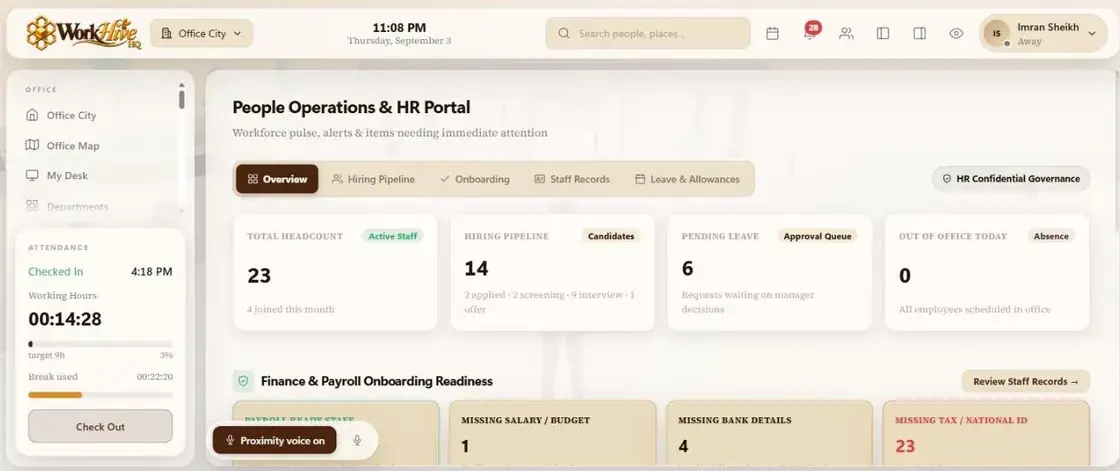 HR & People
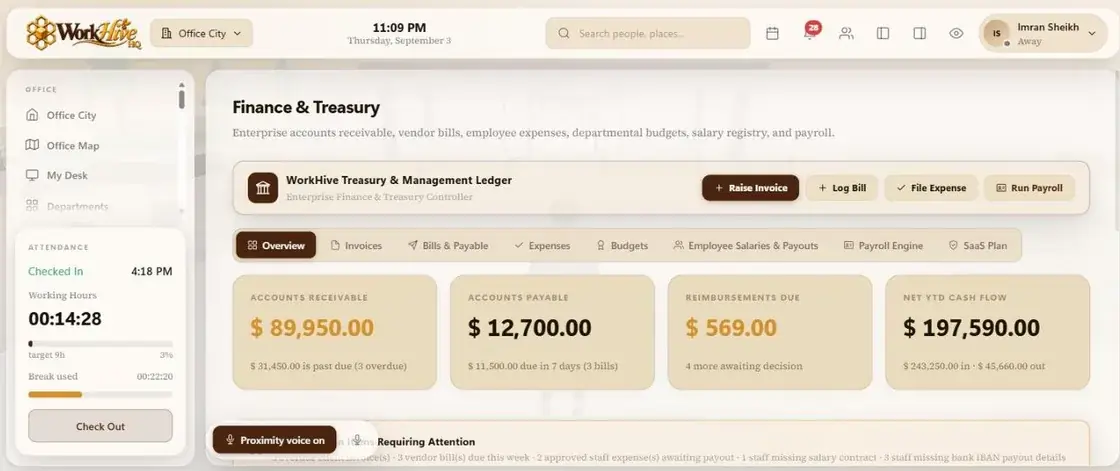 Finance
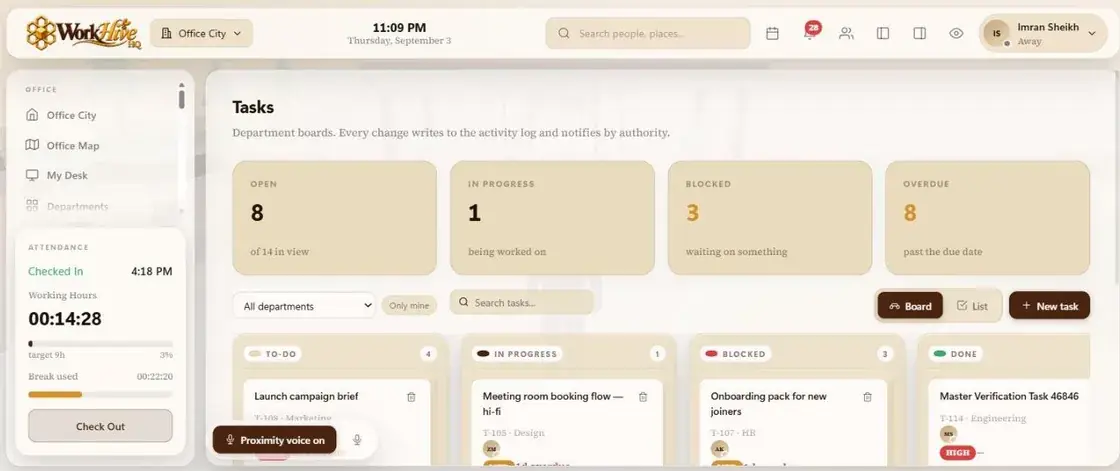 Tasks & Tickets
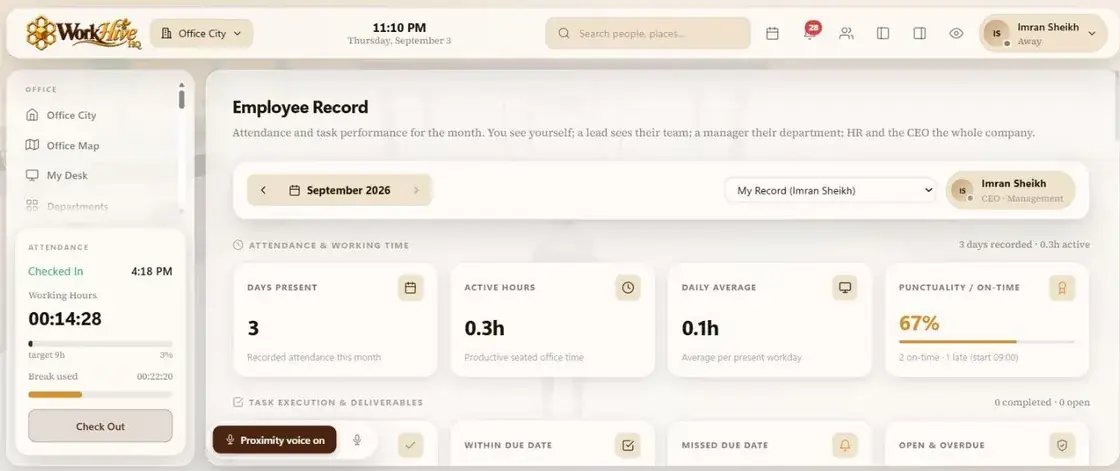 KPIs & Records
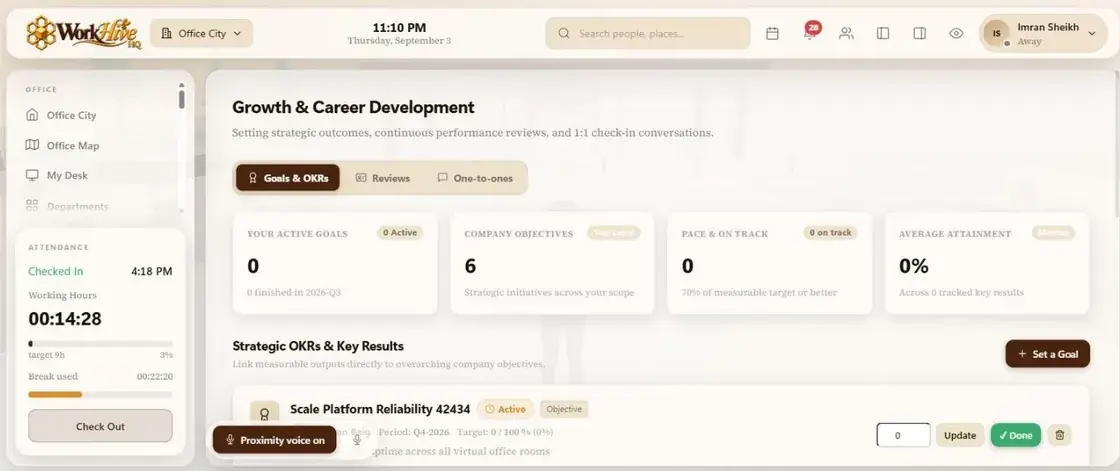 Growth & OKRs
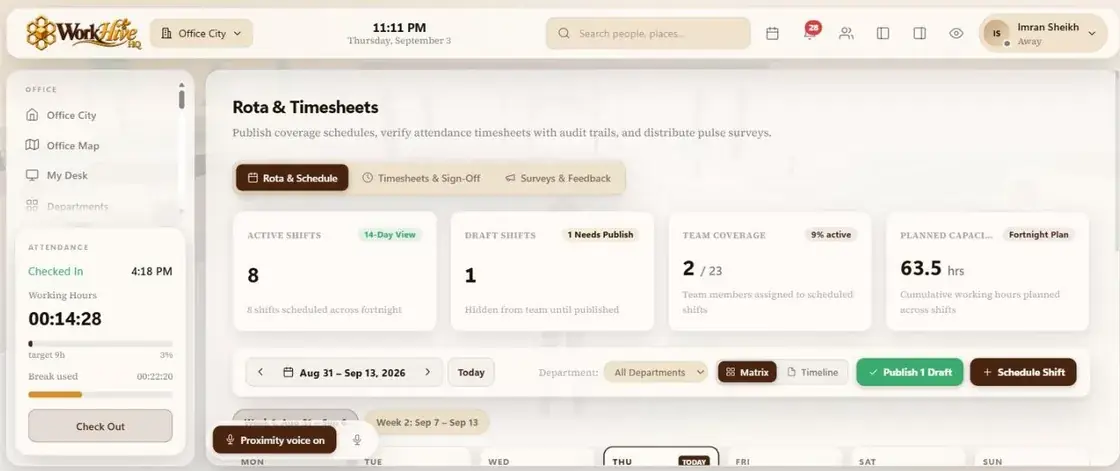 Rota & Time
What remote work actually feels like.
Once your team is in, this is what a normal morning looks like in the office.
Click your desk. The clock starts. Everyone sees your avatar appear in its seat.
Glance at the floor — no wondering who's free. Walk your avatar over and talk.
Step into the meeting room. A call starts automatically — no link, no dial-in.
A claim lands in your queue, routed to you by authority. One tap and it's on the books.
Stand up from your desk. The timer pauses and resumes automatically when you're back.
Drag a card to Done, close a ticket before its SLA — every change notifies the right people.
Leave your desk. Time stops, attendance is recorded, KPIs update — the day is done.
Your office is waiting.
Set up in minutes. No card required to try.